

Announced 2 Nov 2026 · Sources checked
What is rolling out in the beta?
Apple's AI-powered Audio Intelligence suite for Apple Watch began rolling out into beta testing on November 2, initially for developers in the iOS 27.3 update, after the features were announced at the company's Surprise and Shine hardware event in September. Audio Intelligence is a family of four opt-in features: Sound Recognition, automatic Music Recognition with Shazam, Live Rewind, and Siri Recap.
Sound Recognition detects important sounds such as sirens, alarms and doorbells and notifies the wearer even when the iPhone is not nearby, which Apple positions as an accessibility feature for people who are deaf or hard of hearing. Music Recognition automatically detects a song playing in the background and shows the title and artist in the Smart Stack, without opening the widget.
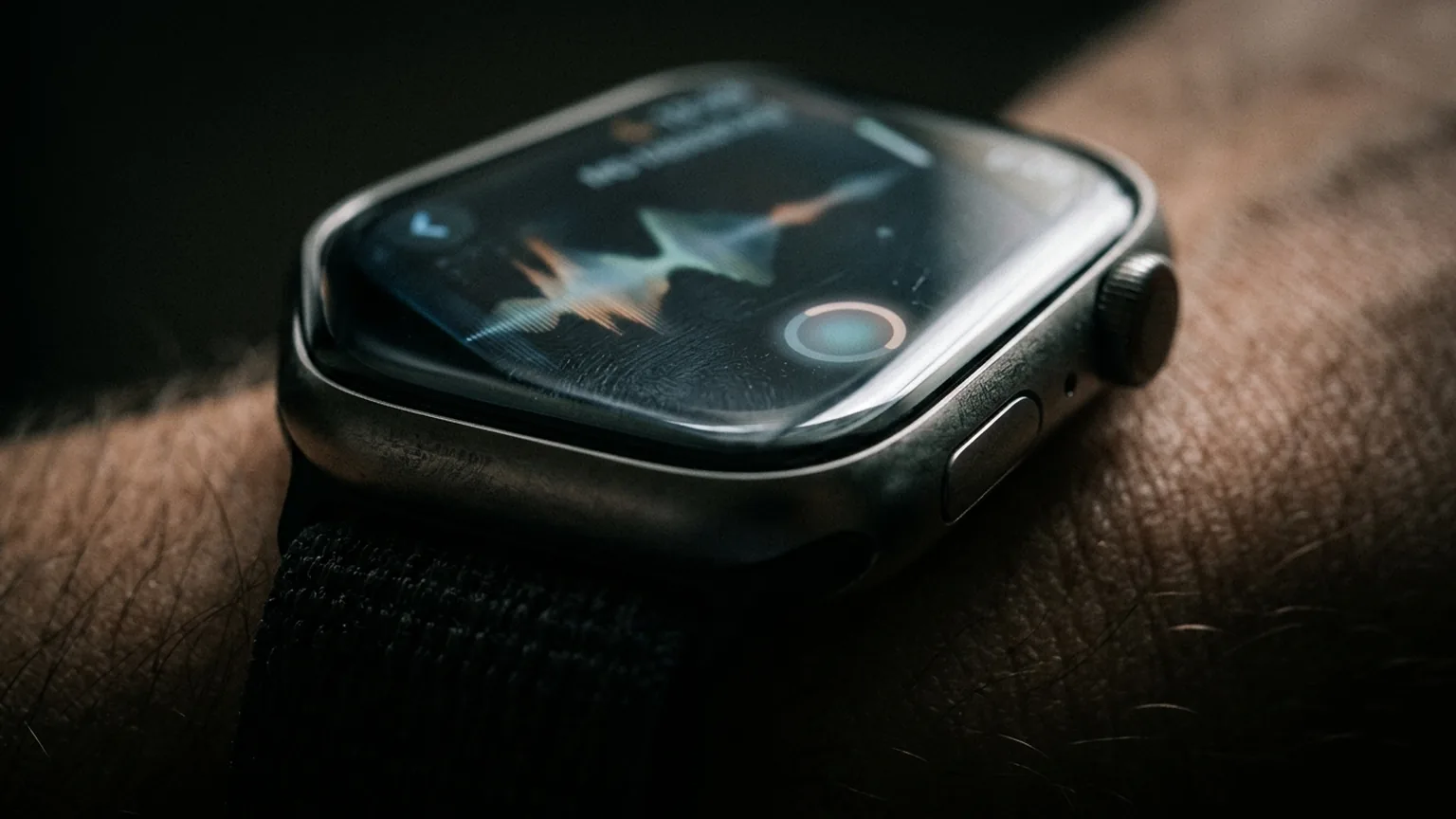
The two conversation features are the more consequential additions. Live Rewind recalls what was said in the last 15 seconds, displaying it as a text snippet on the watch face when the wearer double-presses the digital crown. The intent is to catch something missed, such as verbal directions or a long list of specials at a restaurant. For related context on where Apple is taking Siri, see our coverage of Siri AI's five new languages in iOS 27.2.
How Live Rewind works
Live Rewind activates only through a deliberate double-press of the digital crown. Apple says it does not continue transcribing in the background, and it does not save the text unless the wearer chooses to ask Siri about the content or save it to the Siri app. The trigger also produces an audible chime and a full-display animation, so people nearby know it has been activated.
The snippet shows what was said in the previous 15 seconds. Below it, an "Ask Siri" option lets the wearer ask about something in the snippet, such as an unfamiliar technical term. If the snippet is not saved, TechCrunch reports it will be deleted automatically after 30 seconds; Apple's support documentation says the text disappears permanently about 30 seconds after the watch display dims unless it is saved or asked about.
Snippets that are saved go to the standalone Siri app that shipped with iOS 27, where the wearer can revisit them or export them to Notes or Journal.
What Siri Recaps does with a day of conversation
Siri Recap is the more ambitious feature: it ambiently takes notes on conversations throughout the day and produces high-level, AI-generated summaries that the wearer can use later to jog their memory. Apple describes the output as comparable to notes you might jot after a conversation, with a short sentence and bullet points that capture facts such as important dates, deadlines, pricing, or payment plan information.
The feature is designed to omit sensitive information: government-assigned identifiers, financial and authentication data, certain personal identifiers, and language that promotes self-harm. Siri Recap does not identify speakers or attribute quotes, so summaries do not say "John said" or label speakers as A or B.
Summaries auto-delete after seven days if the wearer takes no action. Each morning, the watch prompts a review of the day's saved recaps, and the wearer chooses which to keep. Recapping can run on a schedule, such as only at work or never at night, and can be toggled off at any time from Control Center. Apple's engineering choices here matter: as the company's CEO told us recently, Apple does not want to ship AI for AI's sake.
How the audio stays private
The privacy architecture is the core of the announcement. Audio is not recorded or stored: Apple says no audio recording exists to share, forward, or produce, because no recording is created. Raw audio flows into a protected buffer inside the S11 chip's Secure Exclave, a hardware-isolated compartment that processes sensor data separately from the rest of the system and is inaccessible to the operating system, apps, or Apple.
For Siri Recaps, the watch detects that the wearer is part of a conversation using lightweight AI models on the S11 chip, and the detected audio is transferred to the paired iPhone's Secure Exclave. On-device processing condenses the spoken text, removing filler words, and the condensed text is encrypted and sent to Apple's Private Cloud Compute, where Apple Foundation Models generate the summary. Apple states the summary and any data used to create it are deleted from Private Cloud Compute immediately, and that saved summaries sync between devices end-to-end encrypted, so Apple does not hold the encryption keys.
The features require Apple Watch Series 12 or Apple Watch Ultra 4 paired with an iPhone 16 or newer (including the iPhone 16 Pro, iPhone 17 family, iPhone Air, and iPhone 18 Pro and Pro Max), running iOS 27 with Apple Intelligence and Siri AI. They are English-only initially, and are not available to users under 13. Apple says the features will later roll out to the public beta before becoming generally available, and that they should not meaningfully affect battery life.
Why the ambient-listening design matters
The conversation features arrive at a sensitive moment for AI wearables. TechCrunch notes the backlash aimed at AI recording devices, including Meta's AI glasses and other wearables, as context for Apple's engineering choices. Apple's response is to make the features opt-in, require a deliberate gesture to capture anything, and to publish details about where audio does and does not travel.
The privacy model rests on three visible claims: no raw audio is ever recorded or stored, summaries do not attribute statements to speakers, and sensitive categories such as financial and authentication data are filtered from the condensed text. Apple also states that the features stop recapping while music is playing through headphones or noise cancellation is engaged, and that snippets are not shared as transcripts.
Apple is not alone in trying to make ambient capture acceptable. The approach echoes arguments the company made in September when it announced Siri AI alongside iOS 27, positioning on-device and Private Cloud Compute processing as the dividing line between helpful assistance and surveillance. For the broader product context, see our explainer on Apple's stated AI philosophy and the iOS 27.2 Siri AI language expansion.
Common questions
Does the Apple Watch record or store conversations?
Apple says no. Audio Intelligence does not create audio recordings, and raw audio is processed inside the S11 chip's Secure Exclave, where neither the operating system, apps, the wearer, nor Apple can access it. Siri Recap summaries auto-delete after seven days unless saved.
Which devices support Live Rewind and Siri Recaps?
Apple Watch Series 12 or Apple Watch Ultra 4 paired with an iPhone 16 or newer running iOS 27 with Apple Intelligence and Siri AI. The features are English-only at launch and not available to users under 13.
Can someone tell when Live Rewind is used?
Yes. A deliberate double-press of the digital crown triggers an audible chime, a full-display animation, and a microphone indicator on the watch, so people nearby are alerted that the feature has been activated.
Sources & further reading
- Apple Watch's AI features for rewinding and recapping conversations begin beta testing ↗
- About Audio Intelligence features on Apple Watch Series 12 and Apple Watch Ultra 4 ↗
- Apple Watch Series 12 and Ultra 4 adding two new features soon ↗
- Apple Watch Series 12 has an always-on Siri that makes AI recaps ↗
- Siri AI, a profoundly more capable and personal assistant, is here ↗
How this story was made
Written by Kristian Kostov with AI assistance and checked against the linked sources. Company performance claims are attributed to the company. Analysis reflects AiLookout’s interpretation; we have not independently tested the products discussed. The cover is an AI-generated editorial illustration, not a photograph or evidence of an actual event.
Our editorial standards