Sources checked
What are the main parts?
The official MCP introduction describes a standard for connecting AI applications with data sources, tools, and workflows. Its architecture separates the application hosting the experience, protocol clients, and servers providing capabilities.
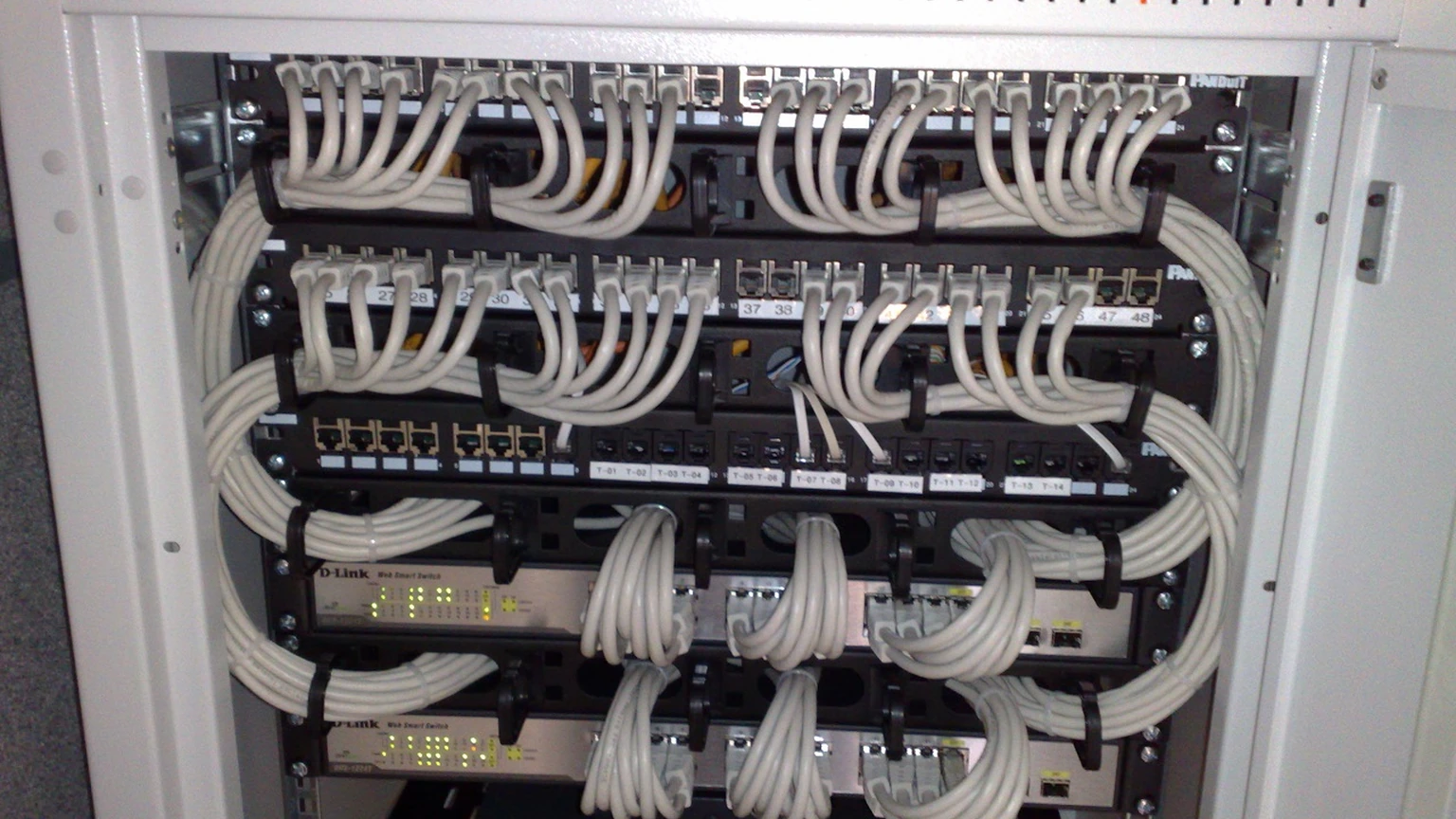
MCP is a software protocol. The cable photograph on this page is an illustrative connection metaphor, not MCP hardware.
| Part | Role | Example |
|---|---|---|
| Host application | Runs the AI experience | An assistant or coding editor |
| Client | Maintains a protocol connection | The application’s connection to a server |
| Server | Exposes supported capabilities | A document search service |
| Tool or resource | Provides an action or information | Search documents or read a file |
A document-search example
Imagine connecting an assistant to an approved document library. The server exposes search, the assistant requests matching documents, and the returned passages become material for its answer. This is a hypothetical workflow.
The server still needs access controls. The assistant still needs to interpret the passages accurately. The existence of a connection does not demonstrate either.
What should you check before connecting?
Treat reading information and changing it as different capabilities. Use the official security guidance and the provider’s documentation for the actual deployment.
- Who operates the server and where does it run?
- Which files, accounts, or datasets can it access?
- Does it only read, or can it edit and publish?
- Which actions require user approval?
- How can you revoke access and review activity?
How is MCP different from an agent?
An agent is a system that uses a model and tools to pursue tasks. MCP is one way an application can connect to those tools or information. You can use MCP without building a broadly autonomous agent.
For a first connection, choose a narrowly scoped task whose result you can verify, such as finding a document. Expand capabilities when the existing workflow is understood.
Common questions
Does MCP work with every assistant?
No. The application must support the relevant MCP connection and capabilities. Check its current documentation rather than assuming compatibility.
Does an MCP server train the model?
A protocol connection is not a training operation. The application and service data-use policies determine how information is handled.
What to remember
Understand the capability and permission behind the connection. A standard interface is useful, but it is not an assurance of correct actions.
Sources & further reading
How this story was made
Written by Kristian Kostov with AI assistance and checked against the linked sources. Company performance claims are attributed to the company. Analysis reflects AiLookout’s interpretation; we have not independently tested the products discussed. Cover photography is illustrative and does not depict the specific announcement or product.
Our editorial standards