

Announced 4 Nov 2026 · Sources checked
What changed
ChatGPT can now create animated GIFs from a text prompt or an uploaded photo. The feature is rolling out alongside OpenAI's new Images 2.6 model, which also enables faster image generation across ChatGPT and the API.
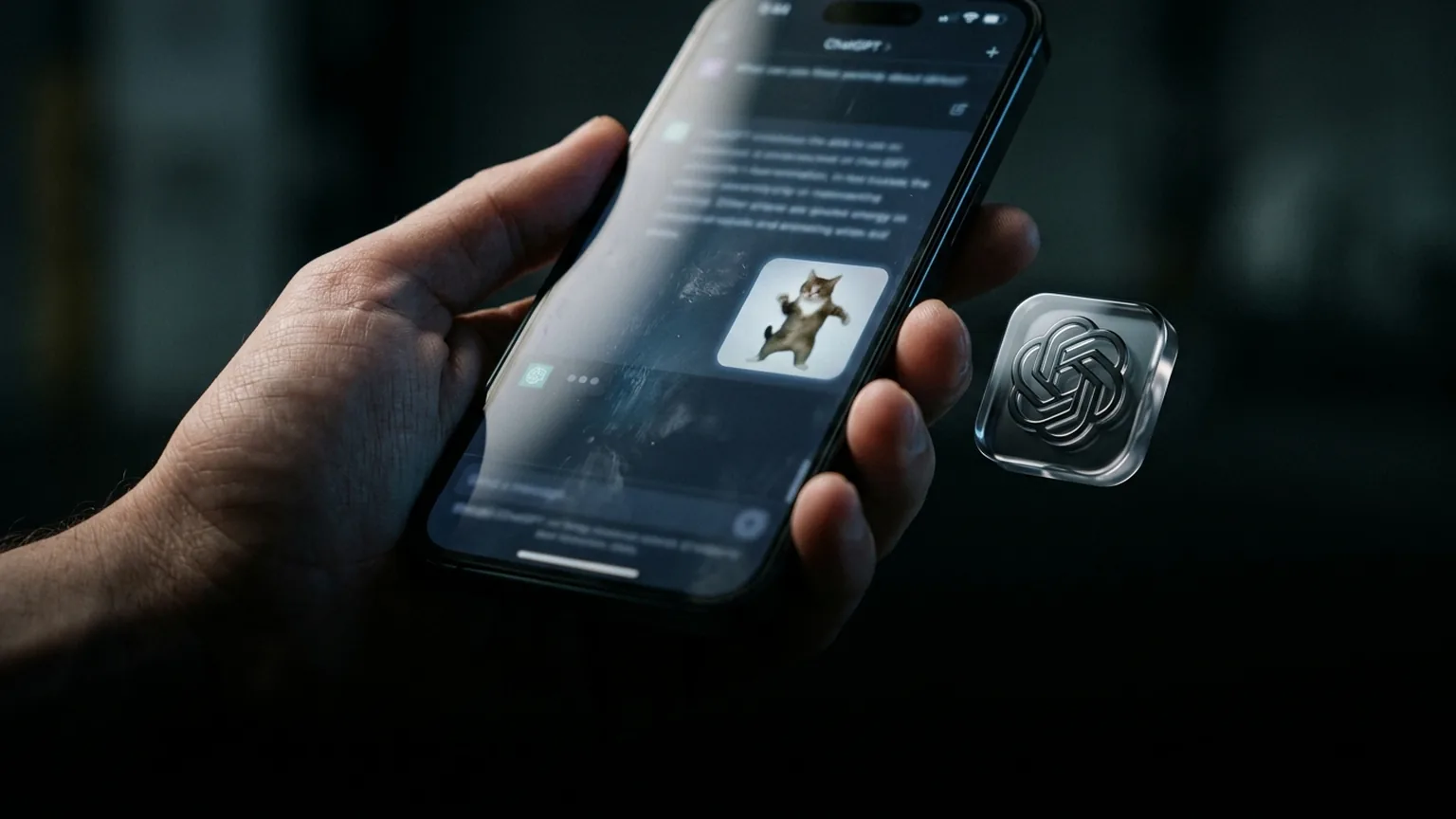
Users can prompt ChatGPT for a GIF — an example shared by the company shows the prompt “can you make a gif of a cat dancing” producing a short animation. After generation, users can adjust the GIF's playback speed, view it frame by frame, and edit individual frames. The final result can be shared directly from the chat interface.
Before this update, creating a GIF in ChatGPT required a multi-step workaround. Users would generate several still images, download them, and assemble them into an animation using external tools. The native support makes the entire process a single conversational step.
Images 2.6: what the new model brings
Images 2.6 is OpenAI's latest image generation model for ChatGPT and the API. Alongside GIF support, the update brings faster image generation speeds across the board. OpenAI says users now generate over 4 billion images per week across ChatGPT and its API, up from 3 billion per week reported in September — a 33 percent increase in roughly two months.
OpenAI is also launching GPT-Image-2.6 Flare and Sunburst models in its API. These are optimized variants for faster and higher-quality image generation. Flare is tuned for speed, while Sunburst targets higher fidelity for production workloads. Both are available via the API alongside the standard Images 2.6 model.
The rollout covers all ChatGPT and Codex users across web, desktop, and mobile apps. OpenAI has not announced pricing changes for the API image models, but the availability of dedicated speed and quality tiers follows industry-standard segmentation.
Why GIFs matter for ChatGPT
On its own, animated GIF support is a minor feature addition. But it signals a broader trend: OpenAI's image models are becoming multimodal content engines, not just still-image generators. Each major release has added a new output format. Earlier versions added inpainting and outpainting. The DALL-E 3 era added editing. Images 2.5 added aspect ratio control and style consistency. Now Images 2.6 adds native animation.
The 4-billion-images-per-week figure puts the scale in perspective. Image generation in ChatGPT has grown from a novelty into a core function. At that volume, even a small format expansion — like GIF support — affects how millions of users interact with the platform.
The format also matters for sharing. GIFs are the default visual language of social media, messaging apps, and web culture. By making GIF creation a native ChatGPT feature, OpenAI removes a friction point for users who want to create shareable visual content without leaving the chat interface.
How it compares to competitors
ChatGPT's native GIF generation puts it ahead of most AI chatbots, which still handle animation as a multi-step process. Claude, Gemini, and Grok can generate individual frames but do not offer native GIF export in a single step. Google's ImageFX and Meta's Imagine have image-to-video tools but focus on longer clips rather than short looping GIFs.
However, specialized GIF and animation tools still offer more control. Runway Gen-3 and Pika offer video generation with frame-level editing and motion brushes. The advantage of ChatGPT's approach is integration: users do not need to switch tools or understand technical workflows. The GIF is just another output format in the chat.
The bottom line
OpenAI's Images 2.6 update adds native GIF creation to ChatGPT, turning a multi-step workaround into a single conversational action. The feature is small but signals that OpenAI's image models are evolving toward broader content formats. With users generating 4 billion images per week, even incremental format expansions have significant reach.
Inside Images 2.6: Flare and Sunburst
OpenAI's API launch includes two specialized variants of Images 2.6. GPT-Image-2.6 Flare is optimized for throughput, designed for applications that need high-volume image generation where latency matters more than fine detail. GPT-Image-2.6 Sunburst targets production workloads that demand higher fidelity, with better prompt adherence and more consistent output quality.
The two-tier approach mirrors what OpenAI has done with its text models, offering speed and quality tiers at different price points. It gives developers a choice between cost-effective bulk generation and premium-quality output, depending on the use case.
For enterprise customers building AI-powered marketing, content, or design tools, the GIF capability plus the Sunburst model creates a stack that can handle everything from social media assets to product photography. OpenAI is positioning Images 2.6 as a platform for visual content creation, not just a chatbot add-on.
Common questions
How do I create a GIF in ChatGPT?
Just ask ChatGPT to make a GIF from a text prompt, like “make a gif of a cat dancing,” or upload a photo and ask for an animated version. The system handles the generation, and you can adjust speed and edit individual frames.
Is the GIF feature available on all platforms?
Yes, it is rolling out to all ChatGPT and Codex users across web, desktop, and mobile apps as part of the Images 2.6 update.
Do I need a separate subscription for GIF generation?
No, it is included with ChatGPT's existing image generation capabilities. Free and paid users with access to Images 2.6 can create GIFs.
Sources & further reading
How this story was made
Written by Kristian Kostov with AI assistance and checked against the linked sources. Company performance claims are attributed to the company. Analysis reflects AiLookout’s interpretation; we have not independently tested the products discussed. The cover is an AI-generated editorial illustration, not a photograph or evidence of an actual event.
Our editorial standards