Announced 12 Oct 2026 · Sources checked
What is Anatomy?
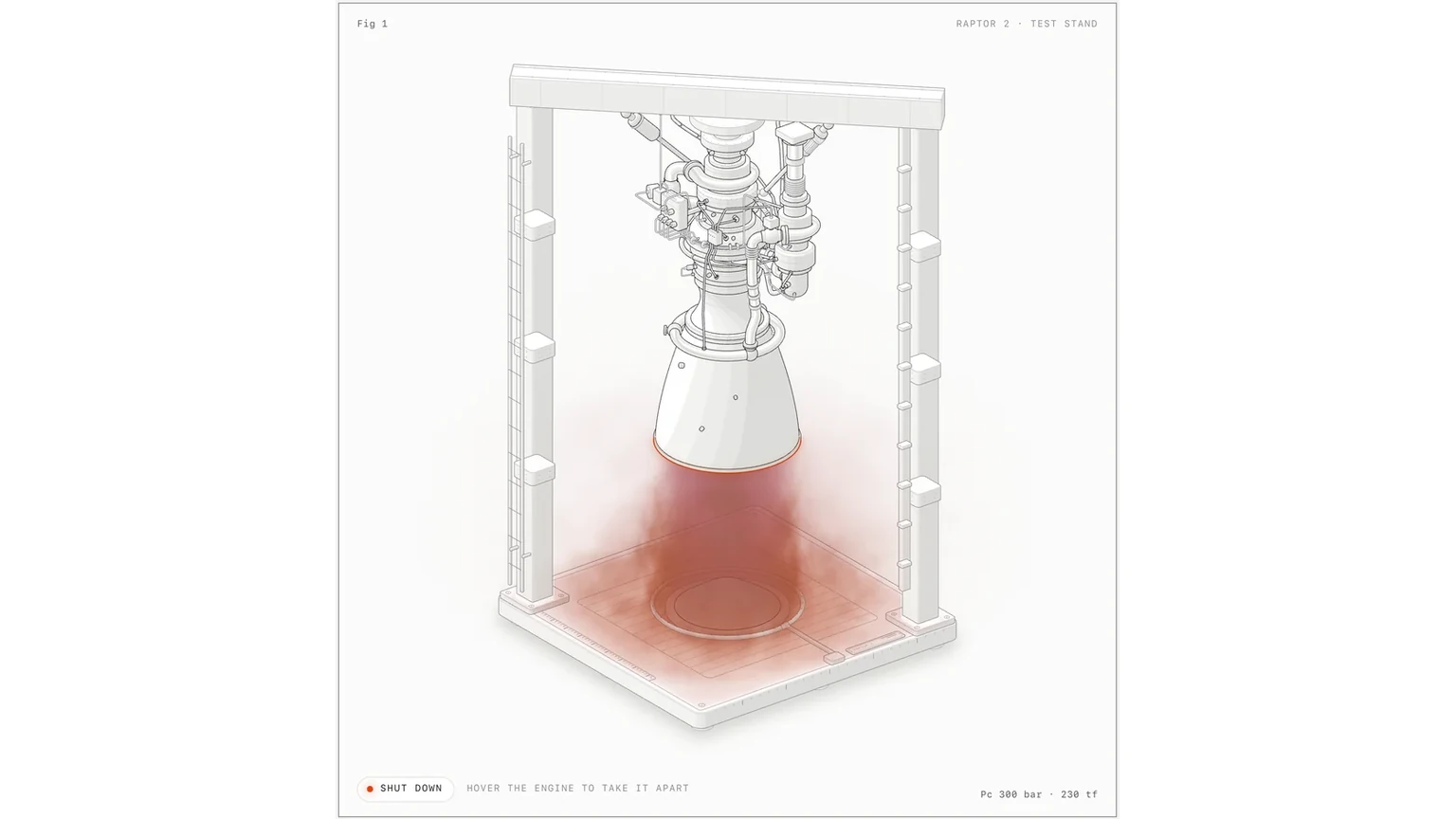
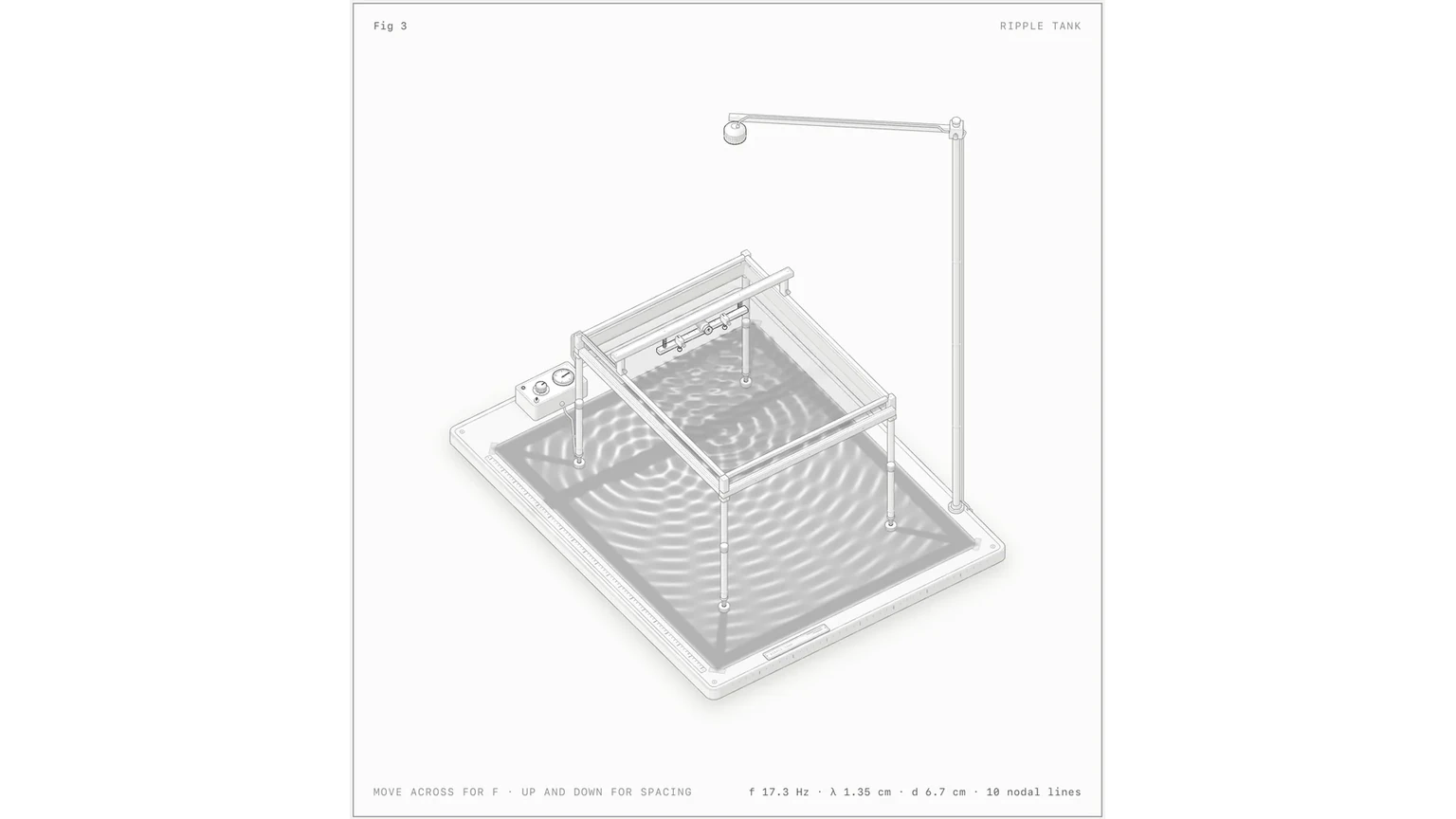
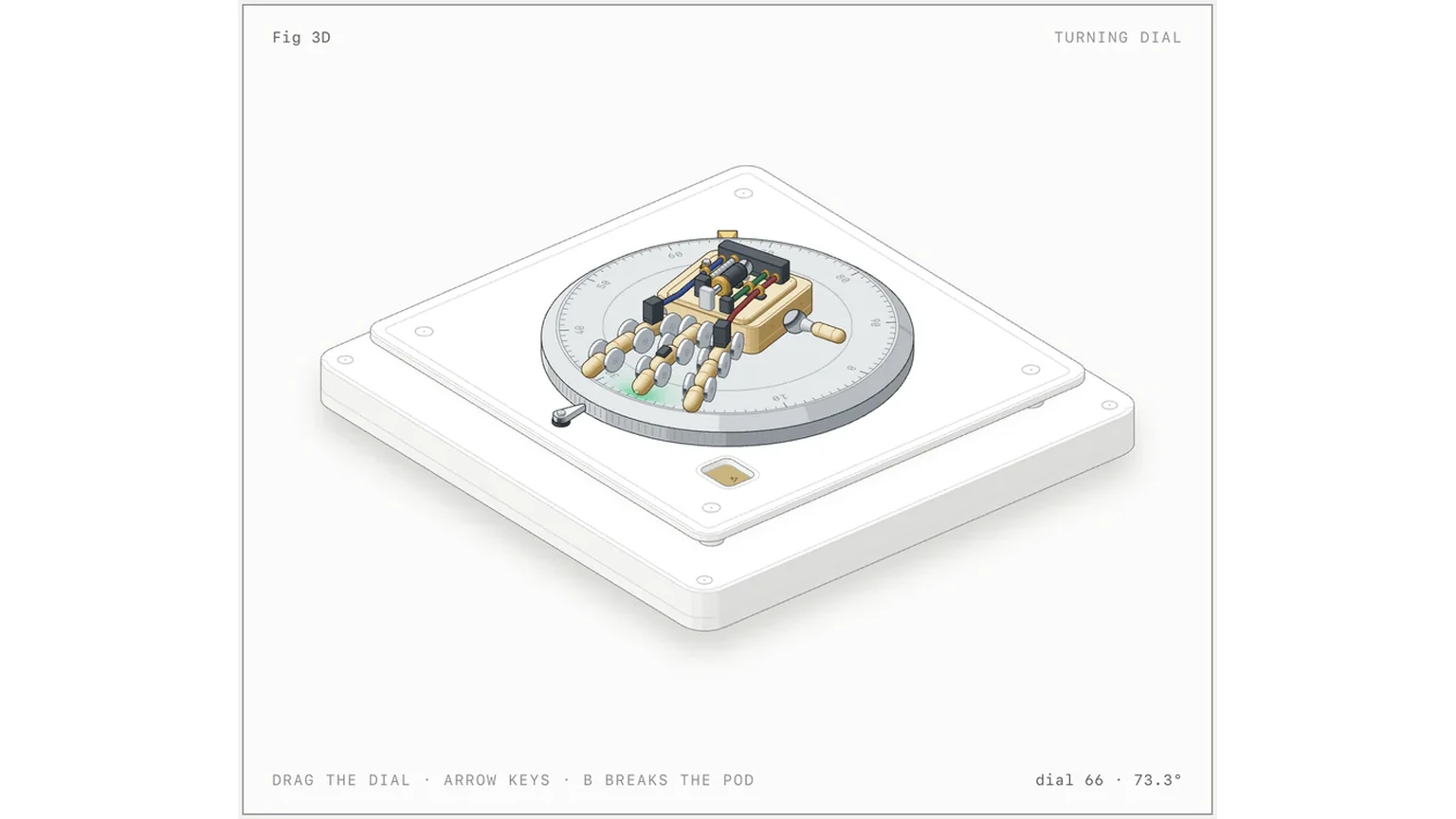
Anatomy is a skill: a folder of instructions, code and reference documents that a coding agent loads when a task calls for it. Its job is unusual. Ask it to explain a technical idea and it has the agent invent a physical object whose working is the concept, then build that object as a detailed, interactive isometric drawing. The README’s examples: a cache key that skips work when nothing changed becomes a pin-tumbler lock that only turns when every pin matches, and one GPU context serving many canvases becomes a gantry plotter whose single print head visits 16 wells.
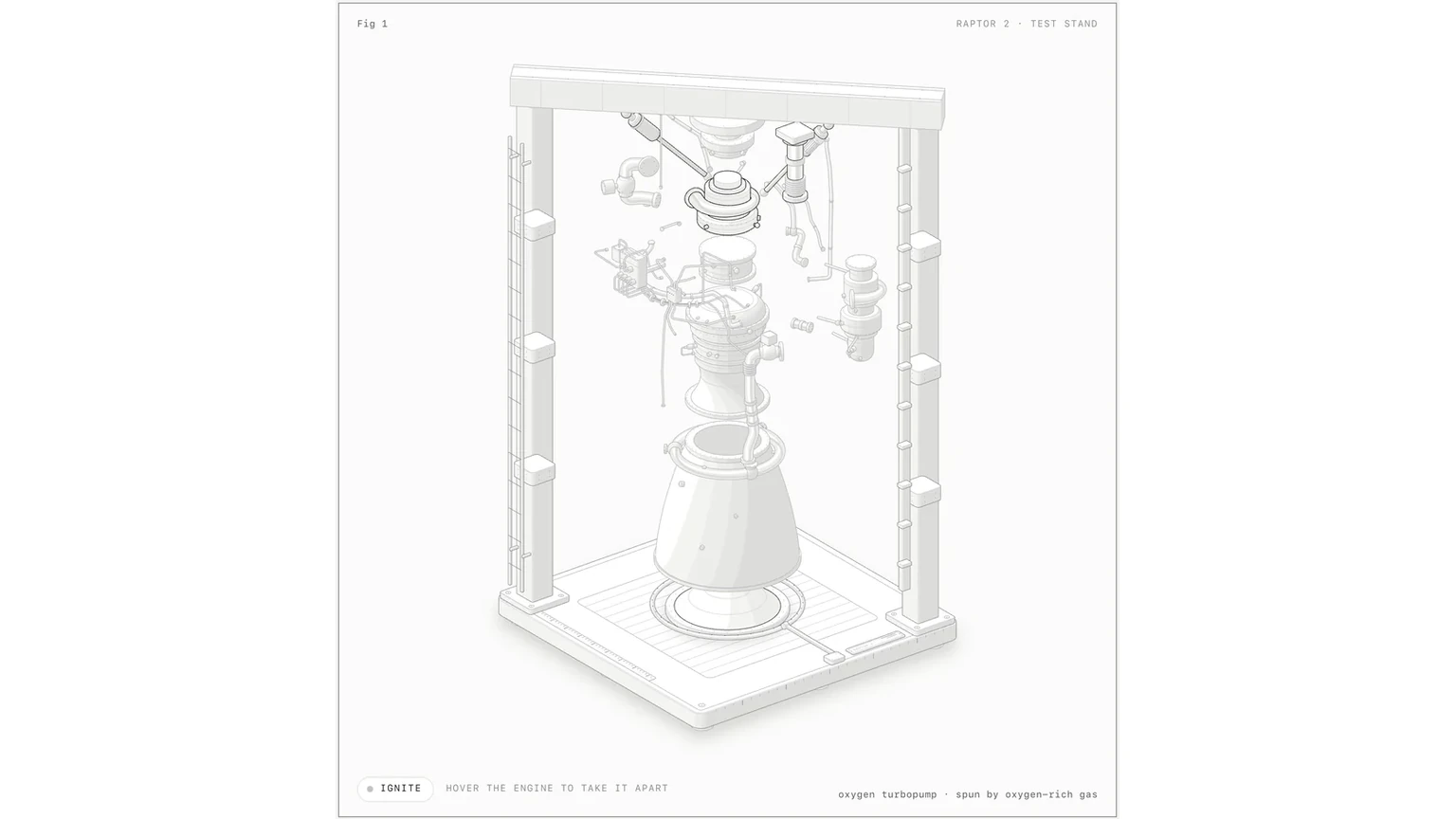
The figure arrives in a framed card with a title, a hint and a live readout, and moves under the pointer and keyboard. Every number it shows comes from the same small model that moves its parts. The output is source code you keep: a Node build script and the HTML page it writes, a standalone SVG, or React components for a Next.js site.
The project is by a developer who signs as Ryan, @wheresryan22 on GitHub and X. The repository went public on 8 October, version 1.0 followed on 10 October, and when we checked early on 13 October it had just over 6,000 GitHub stars. It ships eight examples, including a Raptor 2 rocket engine in a test stand, an arcade cabinet of about 240 solids and a 1984-style desk computer you can type on. Like Tencent’s TeamAI, it treats a skill as something to share and version rather than a private prompt.
What is new in Anatomy 1.1?
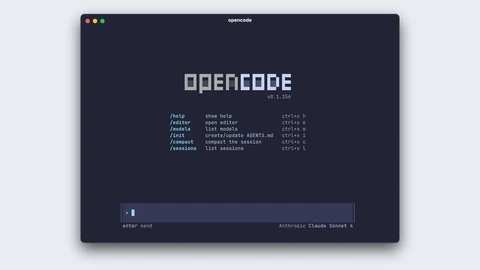
Version 1.1, published on 12 October, makes three changes. The first is reach: Anatomy now runs in OpenCode and OpenAI’s Codex as well as Claude Code. The skill follows the open Agent Skills format, so the main work was install paths, a Codex display file and docs. OpenCode users type the same /anatomy command, which suits the plugin-heavy OpenCode 2.0 released the same day; in Codex it is $anatomy.
The second is sharing. You can tell your agent to publish a finished figure to the Anatomy community gallery, a separate GitHub repository created on 12 October. The agent asks for a title, an id and your GitHub name, shows exactly what it will send, and opens a pull request only after you say yes, making a fork if needed. Only the figure’s source is sent; the gallery rebuilds it in a locked sandbox, checks it and photographs it.
Publishing also records how long a figure took and how many tokens it used. In Claude Code the script reads this from the session’s own log, counting from the request that made the figure to the request to publish, leaving out idle gaps over 10 minutes and cache reads. Both numbers appear in the plan before anything is sent, and flags let you set them by hand or leave them out. The third change is 38 fixes, mostly to the checks: the browser checks now start on Linux, the geometry audit measures transformed and clipped shapes by their true bounds, and reduced-motion settings are respected even when switched on mid-session.
How does it build and check a figure?
The SKILL.md file sets a fixed workflow. The agent collects the true numbers first, invents the object, writes a parts list, plans the scene, builds the geometry once with the bundled kit, paints back to front, frames the card, makes it live, and then reviews it like a critic. Before starting, it sizes the job as a Figure, Hero or Epic and tells you the estimate.
The kit is a small drawing library with no dependencies beyond Node’s built-in modules: an isometric camera, solids and parts, round parts on any axis, pipes and cables, a WebGL layer for fire, water and light, a beta 3D runtime and React components. Checking is built in. An audit script proves that nothing passes through anything, every end sits on a mount and every overlap is drawn in the right depth order. Headless Chrome scripts take screenshots, close-ups and slowed-down contact sheets, another fails any line that ends in mid-air, and the skill tells the agent to read every image it makes.
That is the interesting design choice. Rather than trusting a model to draw well in one pass, Anatomy gives it measurable tests for its own output, much as test suites do for code.
How do you install and use it?
The quickest route is the skills command-line tool: npx skills add wheresryan22/anatomy -g -a claude-code, with -a opencode or -a codex for the other agents. You can also clone the repository into your agent’s skills folder or download a zip. No API keys are needed. You need Node.js 20.10 or later, Chrome or Chromium for the checks, and React 18 only for React output; the skills tool itself asks for Node 22.20 or later and copies about 10 MB, examples included.
Then type /anatomy and describe what the figure should explain, such as how a token bucket rate limiter works. The README gives three tips: name the idea and its real numbers rather than describing boxes and arrows, or name the object you want and what should move, and say where the figure will live and in which theme. In Codex, the sandbox may block the headless Chrome checks; the figure still builds, and the README explains how to approve those commands.
Why are developers paying attention?
Diagrams are a common use of coding agents, from architecture sketches to docs illustrations, but most come out as generic boxes and arrows. Anatomy aims at the other end: dense, crafted explainers that look hand-made and can be dropped into a landing page or documentation. It joins other attempts to make agents better at visual work, such as ZJU’s ViSkill visual skill cards, though Anatomy is a practical tool rather than research.
The token and time records in the gallery are useful too. Because each published figure lists its model, prompt, minutes and tokens, the gallery gives a public, if self-reported, record of what this kind of agent work costs in practice.
What are the limits?
The README is frank about limits. Anatomy is not a chart library and has no axes or data plots. It draws machines, instruments, tools and furniture, not people or exact maps, and ideas without a mechanism come out weaker. It is slow on purpose: a figure takes a long session, the Raptor’s build takes a few minutes, and a full 3D orbit audit takes 15 to 20 minutes for 30 parts. Shaders need WebGL, and with reduced motion every figure goes still.
The 3D mode is beta and proven only on its example and one test figure. The author reports a small 3D figure at 60 frames per second and a 380-part stress test at about 20 on a heavily loaded machine. Long sessions also cost tokens. The gallery is days old and its quality depends on who submits. Finally, the time and token figures come from your own session log, so check the plan before you approve a submission. We have not built figures with Anatomy ourselves; the features described here come from its README, release notes and changelog.
Common questions
Is Anatomy free?
Yes. It is released under the MIT License and needs no API keys, though building figures uses your coding agent’s normal model usage.
Does Anatomy work without Claude Code?
Since version 1.1, yes. It runs in OpenCode with the /anatomy command and in OpenAI’s Codex with $anatomy, using the same skill files.
Can Anatomy make charts of data?
No. Its README says it is not a chart library; numbers appear as live readouts and as the sizes and counts of the parts it draws.
What to remember
Anatomy 1.1 widens a popular new agent skill from Claude Code to Codex and OpenCode, adds a consent-first way to publish figures to a community gallery, and tightens the self-checks that make its isometric machines trustworthy.
Sources & further reading
How this story was made
Written by Kristian Kostov with AI assistance and checked against the linked sources. Company performance claims are attributed to the company. Analysis reflects AiLookout’s interpretation; we have not independently tested the products discussed. Cover photography is illustrative and does not depict the specific announcement or product.
Our editorial standards