Announced 16 Oct 2026 · Sources checked
What OpenMOSS released
OpenMOSS, the open-model group behind the MOSS language models, released two open-weight text-to-image models on 16 October 2026: MOSS-Image-Base and MOSS-Image-SFT. Both checkpoints are on Hugging Face and ModelScope with an Apache-2.0 licence tag, and the GitHub repository carries the inference pipeline, a Gradio app, a ComfyUI plugin and a 35-page technical report.
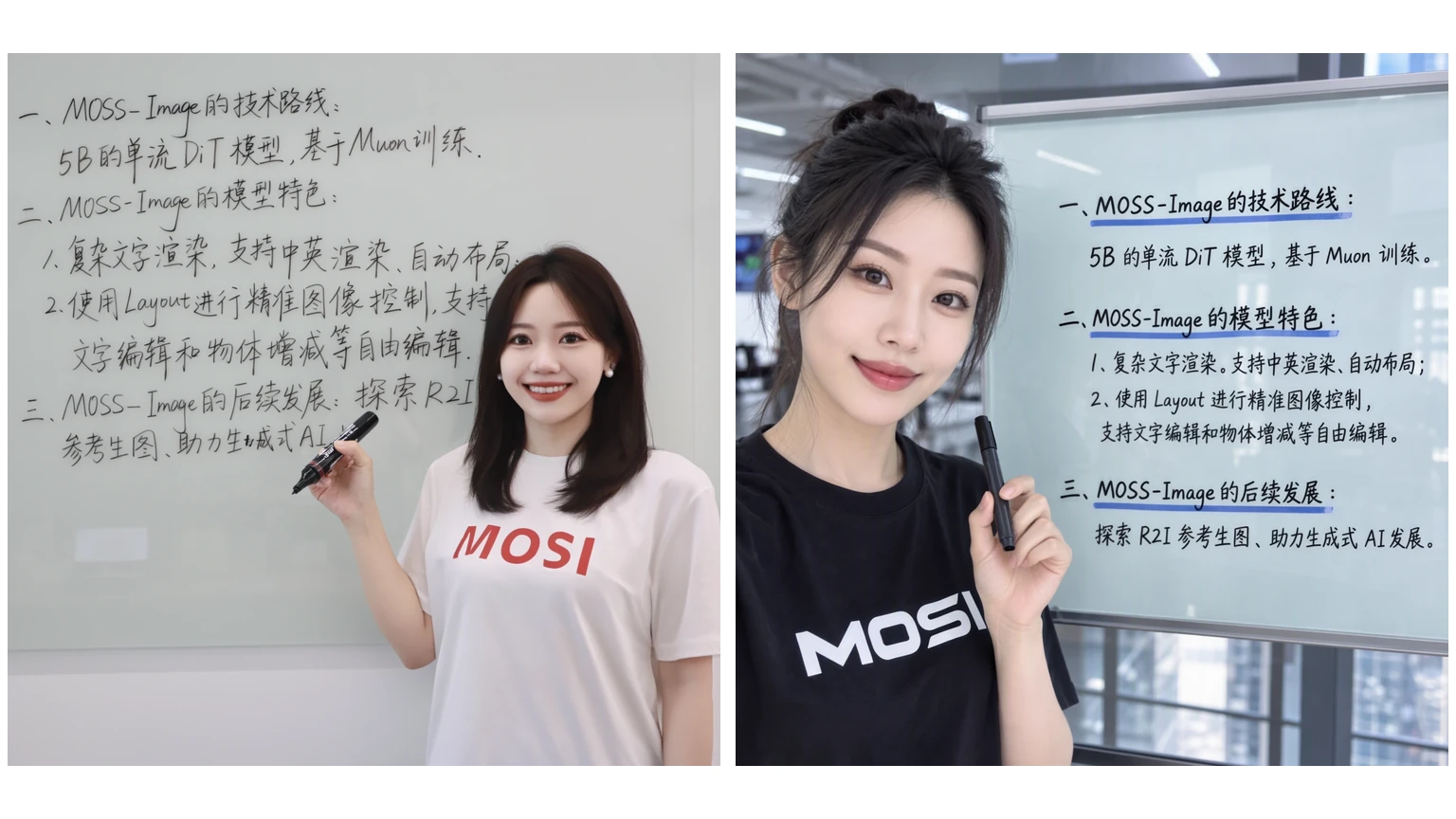
The pitch is narrow and concrete. OpenMOSS says MOSS-Image is built for images that are dense with words and structure, such as posters, infographics, knowledge cards and interface mock-ups, where most open models still produce garbled lettering or a jumbled composition. It accepts prompts of up to 4,000 tokens, renders English and Chinese text, and can follow a JSON layout that says where each object and line of text should go.
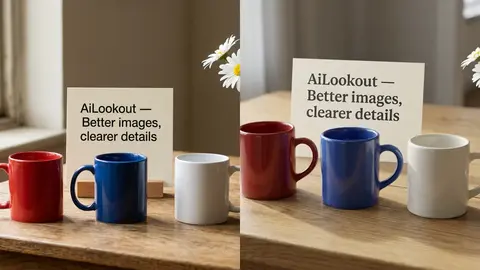
The two models share an architecture and inference interface. Base is the pretrained model, which the project recommends for anyone training LoRA adapters; SFT is Base fine-tuned on curated data, and the project's own comparison shows it producing cleaner text grouping and tidier layouts. The report lists the authors as MOSI.AI, a group spanning MOSI Intelligence, the Shanghai Innovation Institute (SII), Fudan University and Shanghai Jiao Tong University.
How MOSS-Image is built
According to the technical report, MOSS-Image is a 5-billion-parameter single-stream diffusion transformer trained from scratch. It reads text through a frozen Qwen3.5-9B language model and works in the latent space of a frozen FLUX.2 VAE, loaded from FLUX.2-klein-4B. The 5B figure covers only the diffusion transformer, so the full pipeline is considerably larger once the text encoder and VAE are counted. The transformer has 42 blocks with a hidden size of 3,072 and 24 attention heads.
The training data choices are the most unusual part. The team built its corpus from public image-text collections including ReLAION, OmniCorpus and DataComp, removed near-duplicates and images its in-house detector judged to be AI-generated, and cut roughly 5 billion images to about 3 billion. After that it deliberately applied no further quality filter. Instead of throwing out images with watermarks, blurry faces or compression artefacts, it describes those flaws in the captions, which the report summarises as annotate rather than filter.
Each image was recaptioned with Google's Gemma 4 at short, medium and long lengths, with visible text transcribed verbatim, line breaks included. A subset also got layout annotations written as bounding-box JSON. Training ran in stages, raising resolution from about 256 pixels to roughly 2 megapixels and the text limit from 320 to 4,096 tokens, using a hybrid of the Muon and AdamW optimisers. In a 1B-parameter ablation, the team reports reaching the same loss with 28.6 to 33.2 percent fewer steps than AdamW alone. The README also says the model was trained on alternative GPU platforms, without naming them.
Layout prompts and the prompt enhancer
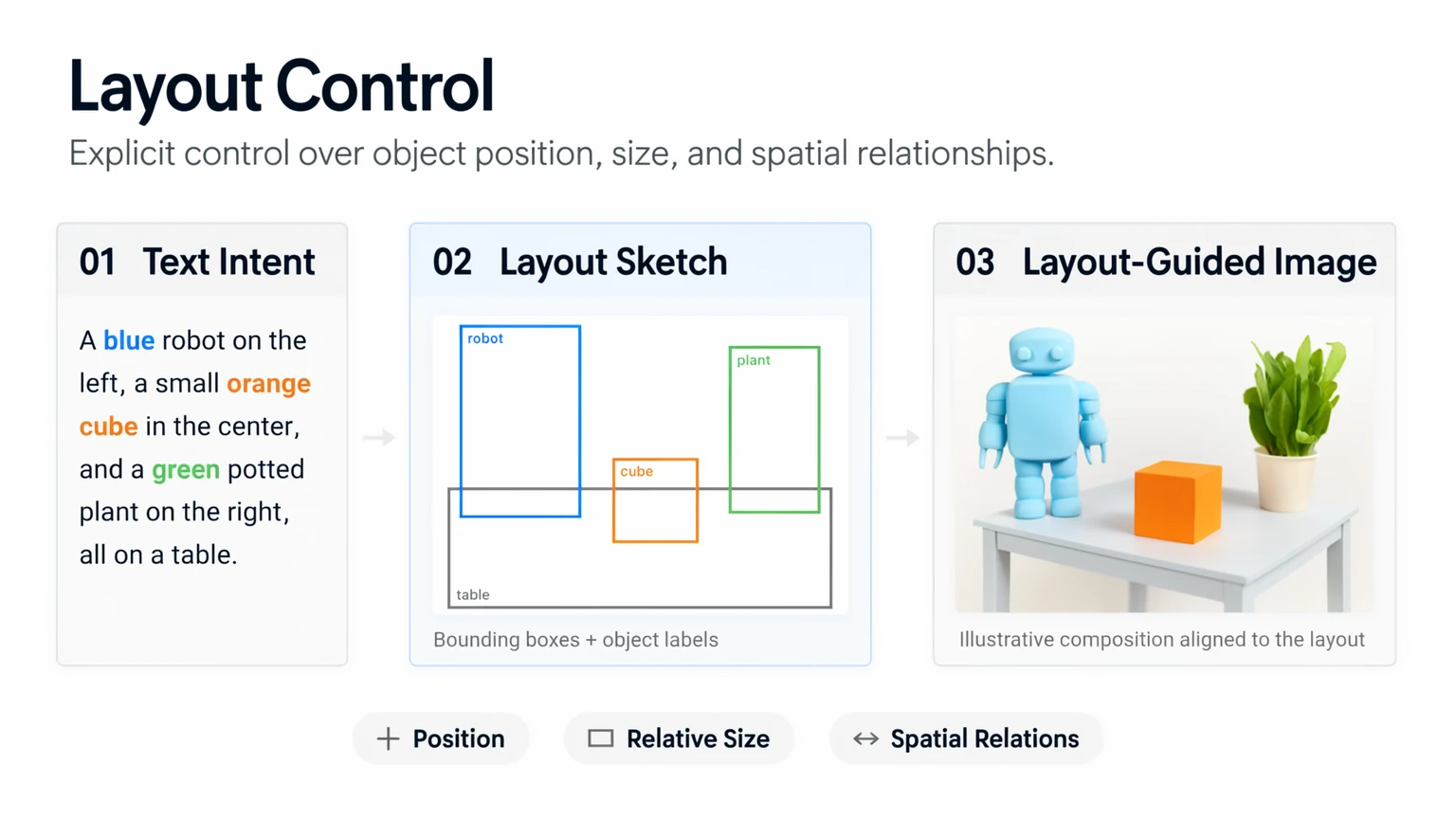
The layout feature works through the same text channel as an ordinary prompt. A layout prompt is a JSON object with a scene summary and a list of items, each with a label, a description, optional literal text and a bounding box in pixel coordinates measured from the centre of the canvas. The user guide calls the feature experimental, and notes that absolute coordinates, rather than the 0-to-1000 relative boxes some models use, generalised better to resolutions the model had not seen in training.
Because writing bounding boxes by hand is tedious, the project pairs the model with a prompt enhancer. In the report, an agent routes each request to task-specific instructions, retrieves facts and reference designs when needed, and turns a brief request such as a one-line infographic topic into a full content and layout plan. The report says its layout enhancer uses GPT-6 at inference time. The repository ships a simpler, training-free version as an agent skill, which the README says is designed for GPT-6-family agents and converts pixel-coordinate drafts into the compact JSON the model expects.
The report's own ablation shows why this matters. Rated by blind pairwise human comparisons, short requests scored 1,081.70 on an Elo-style scale, detailed prompts 1,509.21 and JSON layouts produced by the enhancer 1,622.87. Specification, in other words, accounts for much of the quality gain, and the enhancer depends on a closed model.
What the benchmarks show
OpenMOSS introduces two new benchmarks alongside the release. LongLongTextBench (LLTB) tests rendering of long English and Chinese passages, with targets averaging 1,339.8 characters against 120.3 for the older LongTextBench, which the authors say is close to saturated. On LLTB, MOSS-Image scores 96.3 on the six-group average, the highest among the open-weight models it lists, against 64.9 for Qwen Image 2512. On 7Bench, a layout test, it reports a mean IoU of 0.88 and a layout AUC of 0.70, against 0.44 and 0.20 for Ideogram 4.
The second benchmark, RealLayoutArena, compares complete systems on short design requests using blind human votes. There MOSS-Image with its enhancer rated 1,698.70, second behind OpenAI's GPT Image 2 at 1,844.35 and ahead of Seedream 5.0 Pro at 1,661.16 and Nano Banana Pro at 1,590.19. When every generator was given the same enhanced prompts, the MOSS-Image backbone came first at 1,807.34, ahead of ERNIE Image at 1,748.51.
These are the team's own benchmarks, run by the team, and two of them were introduced in the same report. The authors say all 7Bench, LLTB and RealLayoutArena results come from their own evaluation. That does not make them wrong, but nobody outside OpenMOSS has yet reproduced them.
How to run it
The models load through Hugging Face Diffusers with a custom pipeline, using bfloat16 for the transformer and text encoder and float32 for the VAE. Recommended settings are 50 sampling steps, a guidance scale of 3, a shift of 5, the Euler sampler and negative-branch layer skipping at layer 22. The guide suggests outputs of 1 to 2 megapixels and says the model can extrapolate from 512 by 512 up to 2K. There is a hosted demo on Hugging Face Spaces, a Gradio app with three memory modes for smaller GPUs, a ComfyUI plugin, and a vLLM-Omni recipe that serves both checkpoints through an OpenAI-style image generation endpoint.
English prompts work best because they had the most training data, the guide says, and explicit line breaks in the prompt help the model place multi-line text. The project page states that the weights are Apache-2.0 while the pipeline code and third-party components keep their own licences, so teams planning commercial use should also check the terms of the Qwen text encoder and the FLUX.2 VAE it depends on.
Where it fits among open image models
MOSS-Image lands in a busy week for open image models. A day earlier, Black Forest Labs released FLUX 3 Image Klein, a 5.6B open-weights model under its own community licence, while Qwen's Image-2.1-Turbo checkpoint targets speed with an eight-step schedule. MOSS-Image is closer in size to Klein but makes a different bet: rather than general photo quality or editing, it concentrates on dense, legible text and controllable composition, and it ships under a permissive licence.
Closed models still set the bar for this kind of graphic. In our own one-prompt test of Nano Banana 2.1, both Google versions missed an exact count, a reminder that instruction following remains hard even at the top. OpenMOSS's own results put GPT Image 2 ahead end to end, and frame the open model's advantage as the ability to follow an explicit layout once one is written.
Limits and open questions
The report lists two limitations itself. The backbone does only text-to-image generation: it cannot take reference images or edit an existing picture, which the team calls future work under its current compute budget, although the guide says simple fine-tuning can add reference-based generation. And the prompt enhancer inherits the weaknesses of the external language model behind it, including factual errors and uneven taste, which can spoil a design even when the rendering is faithful.
Other questions are practical. The report promises to release the training recipe and evaluation framework, but the repository so far contains inference code, the skill and the paper. Long Chinese passages score lower than English ones on the team's own test, 92.4 against 97.1 at the longest length. Base has not been distilled for fewer steps, so 50-step sampling makes it slower than turbo models, and the team says few-step distillation is still in progress. AI Lookout did not run the models.
Common questions
Is MOSS-Image free for commercial use?
The weights carry an Apache-2.0 licence, which allows commercial use. The project page says the pipeline code and third-party components keep their own licences, so check the Qwen text encoder and FLUX.2 VAE terms too.
What is the difference between MOSS-Image-Base and MOSS-Image-SFT?
They share an architecture. Base is the pretrained model, recommended for LoRA training; SFT is Base fine-tuned on curated data and, in OpenMOSS's example, produces clearer text grouping and layouts.
Can MOSS-Image edit existing images?
No. The current model only generates images from text or layout prompts. OpenMOSS lists reference-image conditioning and editing as future work.
Sources & further reading
How this story was made
Written by Kristian Kostov with AI assistance and checked against the linked sources. Company performance claims are attributed to the company. Analysis reflects AiLookout’s interpretation; we have not independently tested the products discussed. The cover is a cropped example output published by the developer in its openly licensed repository, credited in the caption. It is not an AiLookout test or screenshot.
Our editorial standards