Announced 23 Oct 2026 · Sources checked
What Google changed
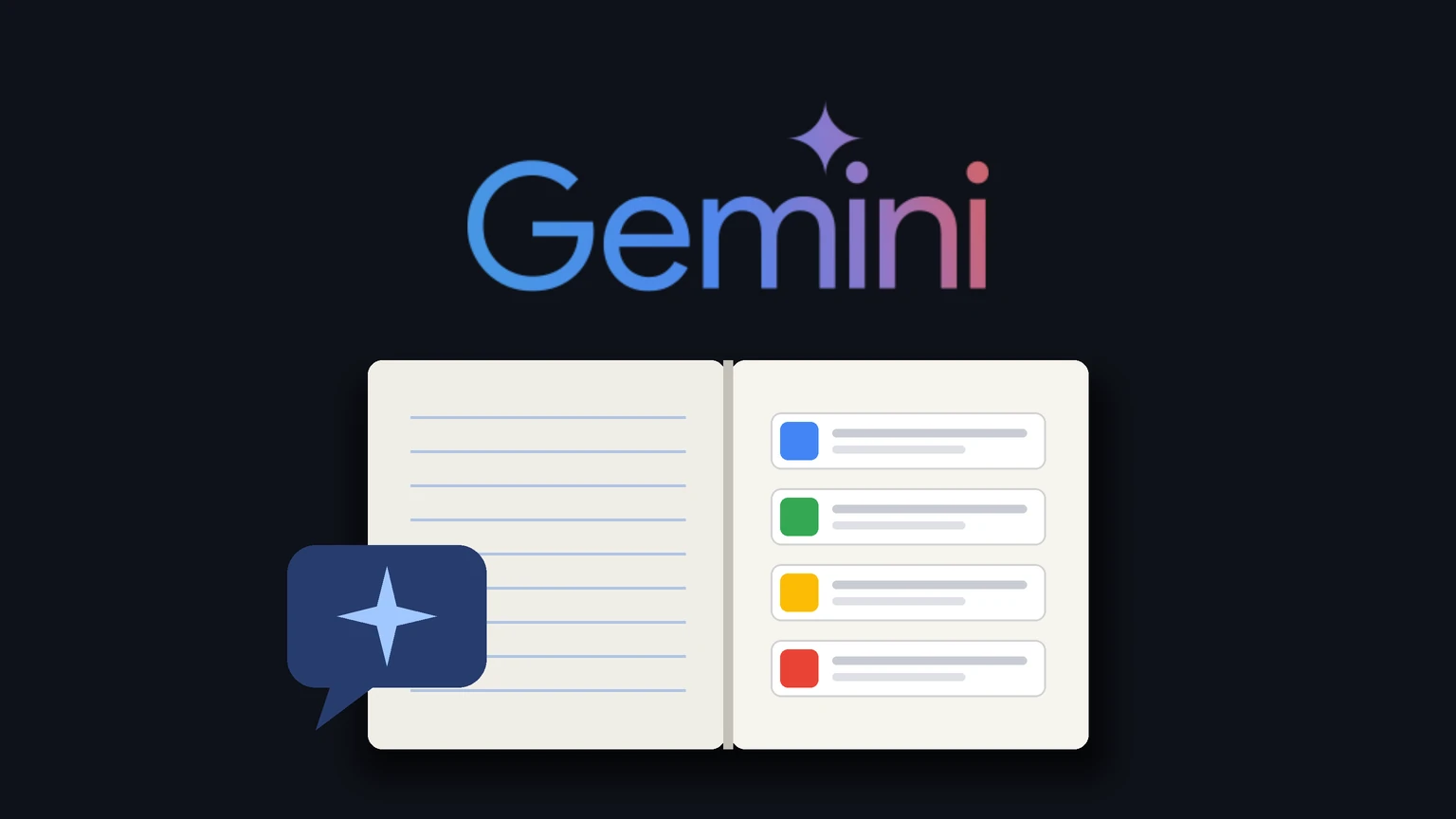
Google has turned Gemini Notebook, the research tool formerly called NotebookLM, into a connected app inside the Gemini chatbot. In a Workspace Updates post dated 23 October 2026, the company says you can now manage and query your notebooks from an ordinary Gemini chat using plain language, instead of switching to the separate notebook interface.
The trigger is a mention. Typing @Gemini Notebook in a chat lets you create a new notebook, add sources to one, save key notes or pull information out of notebooks you already have. Google adds that Gemini can also decide on its own to call the notebook app when a prompt looks relevant, so the @ mention is not always required.
Google lists four kinds of request. You can create, edit or delete a notebook, for example by asking for a notebook about solar farm market trends. You can add, update or delete sources. You can list your notebooks and the sources inside them. And you can ask questions that Gemini answers from a notebook's contents, such as what your notebooks say about butterfly migration.
Why notebooks inside chat matter
A notebook in Google's sense is a container of sources, such as documents, pasted text, audio and web pages, that the model treats as its ground truth for that project. The appeal of the original NotebookLM was that answers stayed tied to those sources rather than to whatever the model remembered from training.
Until now, building that container meant going to the notebook product, creating it there and uploading material. The connected app moves those steps into the place where many people already do their research: a running chat. You can start a project conversationally, ask Gemini to file what it finds into a notebook, then come back later and question that notebook from any chat.
It also fits a pattern in how Google is wiring Gemini into its other products. Connected apps already let Gemini reach into services like Gmail and Photos, a design that has privacy consequences we looked at in Google can now use Gmail and Photos data for ads if you connect them to Personal Intelligence. Notebooks are the newest service to be plugged in the same way.
Who gets it and how to turn it off
Google says the integration is available to all Google Workspace customers, Workspace Individual subscribers and people with personal Google accounts. For Workspace domains on both the Rapid Release and Scheduled Release tracks, it is available now rather than on the usual staged schedule.
For individual users it is on by default everywhere except the European Economic Area, where it starts switched off. Anyone can change it under Settings, then Connected Apps, in the Gemini app. Google's help page adds that in the EEA you connect the notebook app manually, and that the first time you ask Gemini to do something with notebooks it will offer to connect it if it is not already linked.
Administrators get no separate switch. Access is on by default and follows the existing access settings for Gemini and for Gemini Notebook, so a user sees the connected app only if they sit in a group or organisational unit where both services are turned on. An admin who has already blocked Gemini Notebook for a team does not need to do anything new.
The connected app works in the Gemini web app at gemini.google.com and in the mobile apps. Google's help page on notebooks in Gemini says it is not yet available in the Gemini app on Mac, although Mac users can still open and use notebooks there, and that the feature is reaching people gradually, so some will not see it yet.
The limits in the fine print
Several notebook features depend on Keep Activity, the setting that stores your Gemini chat history. With it off, you can still chat with a notebook, but Gemini cannot auto-save new chats into it, cannot use past notebook chats as memory, cannot add files from Google Drive as sources, and cannot open study or business notebooks, according to the help page.
One line on that page sits awkwardly next to the announcement. Google's Workspace post gives "Add a copy of this chat to my notebook about Bio 101 course" as an example request, but the help page says that even with Keep Activity on, Gemini cannot add chats to notebooks using the Gemini Notebook connected app. Saving an existing chat is described instead as a manual step from the sidebar. Until Google reconciles the two, users should expect to file chats by hand.
There are other limits. Depending on your Google AI plan, a notebook can hold up to 600 sources, and one notebook cannot be used as a source for another. Shared notebooks do not appear in the Gemini sidebar, though Gemini can link to them, opening them in the Gemini Notebook app. Deleting a notebook also deletes every source and chat added to it, which matters now that a chat request can trigger a delete.
How we got here
The change completes a merger Google has been signalling for months. On 16 July 2026 the company renamed NotebookLM to Gemini Notebook, saying it would remain a standalone research product but would do more across Google, including inside the Gemini app and Google Search. At that point Google said more than 30 million people and over 600,000 organisations were using it.
The same announcement gave every notebook a secure cloud computer that can write and run code against your sources, first for Google AI Ultra users and some Workspace business customers and then for Pro users on the web. It also said notebooks could already be created in the Gemini app with syncing to the standalone product, and that notebooks would come to AI Mode in Search. The connected app is the step that lets Gemini itself act on notebooks rather than just display them.
Google has been extending Gemini's reach in many directions at once, from cars, as in Gemini Personal Intelligence on Android Auto, to its newest models, covered in Gemini 4 Argon's general availability. Notebooks are a quieter change, but one aimed at people who use Gemini for sustained work rather than one-off questions.
What to watch
The practical test is whether answers drawn through chat stay as closely tied to sources as answers given inside the notebook product. Google's post does not say whether the connected app uses the same grounding and citation behaviour, and we have not tested it. It also does not address whether the EEA default will change or when the Mac app will get the integration.
Workspace administrators should check whether their Gemini and Gemini Notebook settings match what they want users to be able to do from chat, because the new capability inherits those settings automatically. Individual users who want to keep notebooks separate from chat can switch the connected app off in Settings.
Common questions
How do I use Gemini Notebook from a Gemini chat?
Type @Gemini Notebook in a chat and ask it to create a notebook, add sources, list notebooks or answer from one. Gemini can also call the notebook app on its own when a prompt fits.
Is the Gemini Notebook connected app on by default?
Yes for most users. Google says it is on by default globally except in the European Economic Area, where it starts off. You can change it under Settings, then Connected Apps, in the Gemini app.
Is Gemini Notebook the same as NotebookLM?
Yes. Google renamed NotebookLM to Gemini Notebook on 16 July 2026 and kept it as a standalone product, now also reachable inside the Gemini app.
Sources & further reading
How this story was made
Written by Kristian Kostov with AI assistance and checked against the linked sources. Company performance claims are attributed to the company. Analysis reflects AiLookout’s interpretation; we have not independently tested the products discussed. The cover places the companies’ own logos, taken from public-domain or openly licensed files credited in the caption, on a plain background. It is not a product photograph, a screenshot, or an endorsement.
Our editorial standards