Announced 10 Oct 2026 · Sources checked
What did ONLYOFFICE publish on 10 October?
The dated object is the company blog post stamped 10 October 2026. The headline pairs AI tools with modular apps and then lists “50+ new features, 1,000 bug fixes, 35 fixed vulnerabilities, and more.” Those round numbers are Ascensio System’s release summary, not an independent audit we ran.
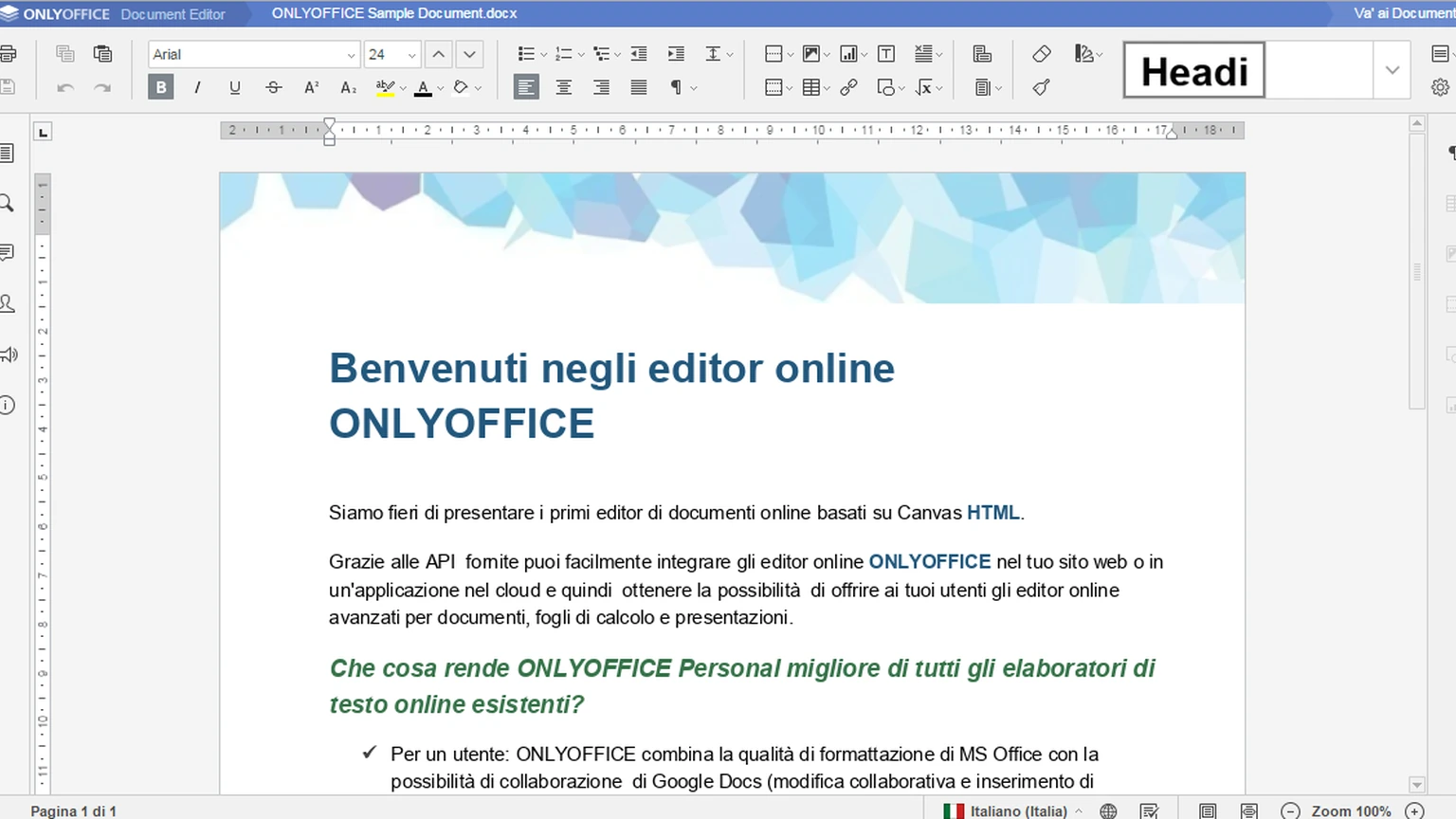
The AI section says Docs 10.0 “brings AI directly into every editor,” with suggestions that stay relevant because the model can see the open file. Tools live in a dedicated AI Tools tab; users open AI chat from there. Default prompts cover common actions, and the post says custom setup goes further.
This is an office-suite product release, not a frontier-model launch. For same-day ChatGPT directory tooling that also sits inside a host app, see Wren AI in the ChatGPT App Directory. For Cloudflare’s same-day MCP skills packaging for agent clients, see Cloudflare API MCP skills.
What AI features ship in each editor?
In the PDF editor the post lists asking questions about the file, one-click summaries, drafting emails from document content, and redacting sensitive information. In the document editor it lists summarize, rewrite or simplify, translate, proofread, build a table of contents, suggest a title, and auto-apply formatting.
Spreadsheet AI is framed as formula help and data cleanup: generate and explain formulas, analyze datasets, build forecasts and Pivot Tables, clean inconsistent values, flag outliers, and fill missing values. Presentation AI covers outlines, slide titles, bullet points, storytelling flow, speaker notes, and visual ideas.
Beyond one-shot prompts, the post distinguishes Quick AI actions (one-time tasks such as changing tone), AI assistants that respond as the document changes, and saved prompts in AI Chat. It states that Quick AI actions and AI assistants are currently available only in the document editor—an important scope limit if you expected continuous assistants in sheets or decks on day one.
None of those bullets name a specific foundation model, tokenizer, or latency SLA. The product story is the embedding of chat and actions inside editors that already hold the file, not a new open-weight OCR or drafting checkpoint. If your compliance review asks which weights leave the building, you still have to open the connected provider’s terms after you assign models in settings.
| Surface | What the post lists | What that is not |
|---|---|---|
| All editors | AI Tools tab and AI chat with file context | A named foundation-model partnership |
| Document editor | Quick AI actions and continuous AI assistants | The same continuous assistants in sheets/decks |
| Cloud | Wallet top-up for ONLYOFFICE AI service | Unlimited free cloud inference |
| Server | Connect any model, including local | A bundled open-weight model download |
| Open-source builds | Built-in AI removed; install separately | AI enabled by a plain OSS upgrade alone |
How do cloud, server, and open-source builds differ?
Cloud users “top up your Wallet to enable the ONLYOFFICE AI service.” Server builds “can connect any AI model, including local models for privacy-sensitive use cases.” Both paths let you choose a default model and assign different models to specific tasks. That is a routing panel, not a claim that every provider is prewired.
The availability note is the line that changes upgrade expectations: “In response to user feedback, we’ve removed built-in AI from the open-source versions. AI tools are installed separately.” An OSS admin who only bumps the Docs package should not assume the AI tab appears without that separate install step.
Local-model wiring matters when documents cannot leave a network. For how structured answers differ from free-form chat inside an app, see structured AI output. For agent sandboxes that keep tool use off the host desktop, see AI agent sandboxing.
Modular apps—AI agents, Forms, Rooms, and Files—are presented as optional layers on the same Docs package. That packaging matters for self-hosted teams that want Forms without turning on cloud AI, or Rooms without spreadsheet forecasting prompts. The blog’s flexibility language is marketing; the operational test is whether your license and plugin manager actually expose those toggles independently.

What else ships besides AI?
Docs 10.0 also adds modular apps—AI agents, Forms, Rooms, and Files—so deployments can enable only what they need. PDF work gains metadata redaction, annotation styling, automatic table recognition during Edit Text, signatures from the Comment tab, reusable form signatures, and a spell-check toggle on forms.
Document collaboration can follow another user’s cursor. Spreadsheets get performance notes (separated style/data storage, limited cell traversal) and faster SUMIF-family functions, plus formula hints and range highlights. Presentations add Outline/Reading/Notes views, richer print options, and export as GIF or video. Format support expands to .ofd open/convert and classic .xls save.
Security is framed as “around 35 vulnerabilities” addressed, with a promise of a separate blog post for key fixes. Until that post appears, treat the count as a vendor headline, not a CVE table we verified.
Plugin Manager gets a redesigned layout, and the post credits community plugins such as Antidote, Curly, Chinese Converter/Formatter, and a Salesforce import/export helper. Those are ecosystem notes, not AI model cards. SVG-to-shape conversion and chart data tables sit in the same non-AI bucket: useful for authors, orthogonal to Wallet-funded inference.
What should a team test before enabling AI in Docs?
Decide which build you run. Cloud teams need Wallet budget and a policy for which prompts may send document text to ONLYOFFICE’s service. Server teams should pick providers per task and prove that local endpoints (LM Studio, Ollama, or an internal OpenAI-compatible gateway) actually appear in the model assignment UI.
On open-source installs, rehearse the separate AI installation path on a staging host before promising the AI Tools tab to users. Then smoke-test the four editors with a confidential PDF, a multi-sheet workbook, and a deck that must not leave your network. Confirm redaction and Wallet behavior match your retention rules.
This article is an evidence review of the 10 October blog post. We did not download Docs 10.0, install the AI plugin, or measure formula performance.

Common questions
Does upgrading open-source Docs automatically enable AI?
Not according to the post. ONLYOFFICE says built-in AI was removed from open-source versions and that AI tools are installed separately.
Are continuous AI assistants available in every editor?
No. The post says Quick AI actions and AI assistants are currently available only in the document editor, even though AI chat is described across editors.
Did ONLYOFFICE publish a CVE list with the 35 fixes?
Not in the 10 October post we opened. It says key security improvements will be highlighted in a separate blog post.
What to remember
Docs 10.0 is a 10 October office release that puts file-aware AI into every editor while keeping open-source AI as a separate install. Verify cloud Wallet, server model routing, and the document-only assistant limit before you promise the feature set.
Sources & further reading
How this story was made
Written by Kristian Kostov with AI assistance and checked against the linked sources. Company performance claims are attributed to the company. Analysis reflects AiLookout’s interpretation; we have not independently tested the products discussed. Cover photography is illustrative and does not depict the specific announcement or product.
Our editorial standards